LaserCut
Laser CuttingMaterialsTechnical SpecificationFAQContact
Create order
LaserCut

Precision manufacturing and automated logistics network across Europe.

Laserové rezanie plechov • DXF online kalkulácia • Nerez, Hliník, Oceľ • Bratislava, Slovakia
Connect with us
Secure payments
Apple PayGoogle PayMastercardVisaTatraPay
Services
  • Laser Cutting
  • Laser Cutting Price
  • Materials
Sheet types
  • Sheet Metal Laser Cutting
  • Steel Sheet Laser Cutting
  • Stainless Steel Laser Cutting
  • Aluminium Laser Cutting
  • Galvanized Laser Cutting
Documentation
  • Technical specifications
  • Design Guide
  • FAQ
  • Blog
Company
  • About Us
  • Partners
  • Contacts
  • Sitemap
Legal
  • Privacy Policy
  • Code of Ethics
  • Quality Policy
  • Terms and Complaints
  • Terms of Use
Company
LASERCUT s. r. o.
VAT ID: SK2121843625
Address
Gogoľova 326/18, 851 01 Bratislava, Slovakia
Email[email protected]
Phone+421 908 789 475
Opening hours
Monday — Friday
08:00 — 17:00

© 2026 All rights reserved

01

Cookie consent banner

We use cookies to enhance your experience, analyze traffic, and personalize content and ads. Some are essential; others only activate with your consent.

Part nesting — how layout cuts your laser cutting costs
Blog
Guides6 min

Part nesting — how layout cuts your laser cutting costs

March 18, 2026

The way parts are arranged on a sheet directly affects material usage and price. We explain nesting principles, common-line cutting, and how design choices reduce scrap.

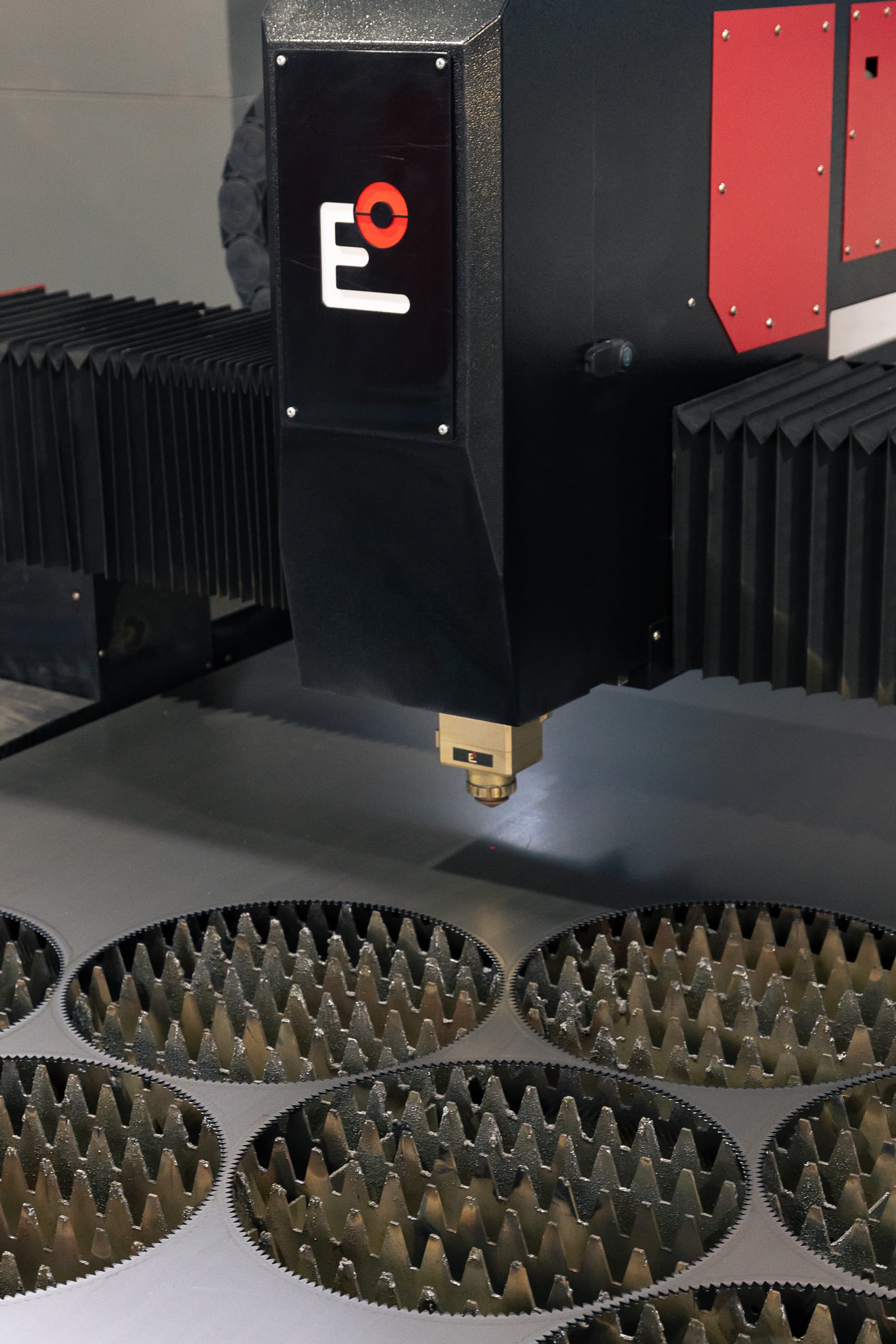
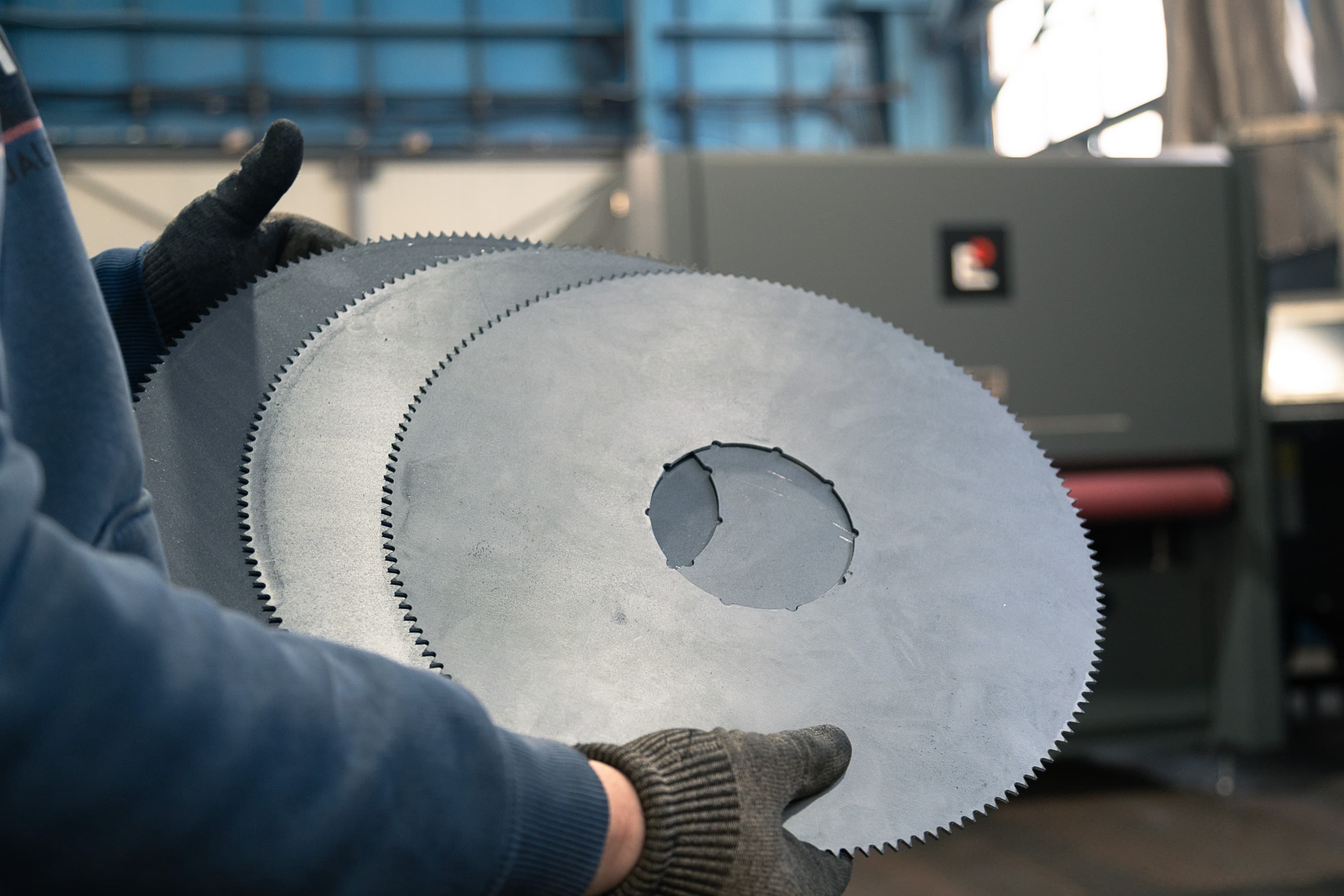
Nesting is the process of arranging parts on a sheet so that as much material as possible is used and as little scrap as possible is left behind. In laser cutting it is one of the biggest hidden cost factors — a well-arranged order can be significantly cheaper than the same set of parts laid out at random.

Why layout matters

Sheet metal is bought and billed for the full area it occupies. If your parts cover 60% of the sheet and the rest ends up as scrap, you pay for that unused material too. The goal of nesting is to push material utilization as close to 80–90% as possible.

Common-line cutting

When two parts share a common edge, the laser can travel it once instead of twice. This shortens the cut path, saving both time and material. Rectangular parts are best suited to common-line cutting.

What improves material utilization

  1. Mix different part sizes — small ones fill the gaps
  2. Rotate parts so they interlock
  3. Order more pieces at once for a better layout
  4. Avoid unnecessarily large margins around parts
  5. Place irregular shapes toward the sheet edges

Spacing between parts

Parts cannot sit right next to each other — the laser needs a minimum gap (usually at least the material thickness) so that heat from the cut does not transfer to the neighboring part and the sheet skeleton stays stable. Too little spacing causes distortion; too much increases scrap.

Conclusion

You do not have to handle nesting manually — our calculator arranges uploaded parts automatically and optimizes sheet utilization. The biggest lever, however, is yours: ordering more pieces and compact shapes at once gives you the lowest price per part.
Read Also
3 articles
Cutting gases in laser cutting — oxygen vs. nitrogen
Guides5 min

Cutting gases in laser cutting — oxygen vs. nitrogen

June 8, 2026Read
Stainless vs. carbon steel — when to use which?
Materials6 min

Stainless vs. carbon steel — when to use which?

January 21, 2026Read
Laser cutting tolerances — what to expect
Technology8 min

Laser cutting tolerances — what to expect

January 9, 2026Read

Lasercut.parts

Need to manufacture parts from this article?

Upload DXF
Videos of our work
Related articles
Laser engraving and marking of metal parts — logos, text, serial numbers, and QR codes

Guides

Laser engraving and marking of metal parts — logos, text, serial numbers, and QR codes

Laser vs. waterjet vs. plasma — which cutting method to choose

Guides

Laser vs. waterjet vs. plasma — which cutting method to choose

Useful pages

Laser cutting price

See how cut price is calculated and what affects it.

Upload DXF file

Upload your parts and the calculator nests them automatically for minimum scrap.

Follow us
YouTubeLinkedInFacebookInstagram