How to properly prepare a DXF file for laser cutting
Proper DXF file preparation is key to accurate and cost-effective parts. Learn which layer settings, line widths, and tolerances to use before submitting your order.
DXF (Drawing Exchange Format) is the standard format for exchanging CAD data. In laser cutting, the quality of this file is directly proportional to the quality of the finished part — and its cost.
Layer setup
Use separate layers for cutting contours, engraving, and annotation lines. The cutting layer should have a line width of 0.00 mm (hairline) — any other value may cause incorrect interpretation of the laser path.
Closed contours and duplicates
Every contour must be closed — open ends cause the laser to cut the shape incorrectly. Also check for duplicate lines in the same location: a double cut unnecessarily increases the cost and may damage the material.
Steps before submission
- Check layer settings — cutting on a separate layer
- Make sure all lines are closed contours
- Export in DXF version R12 or R14
- Verify file dimensions against actual part dimensions
- Remove helper lines, dimensions, and annotation text
Minimum dimensions
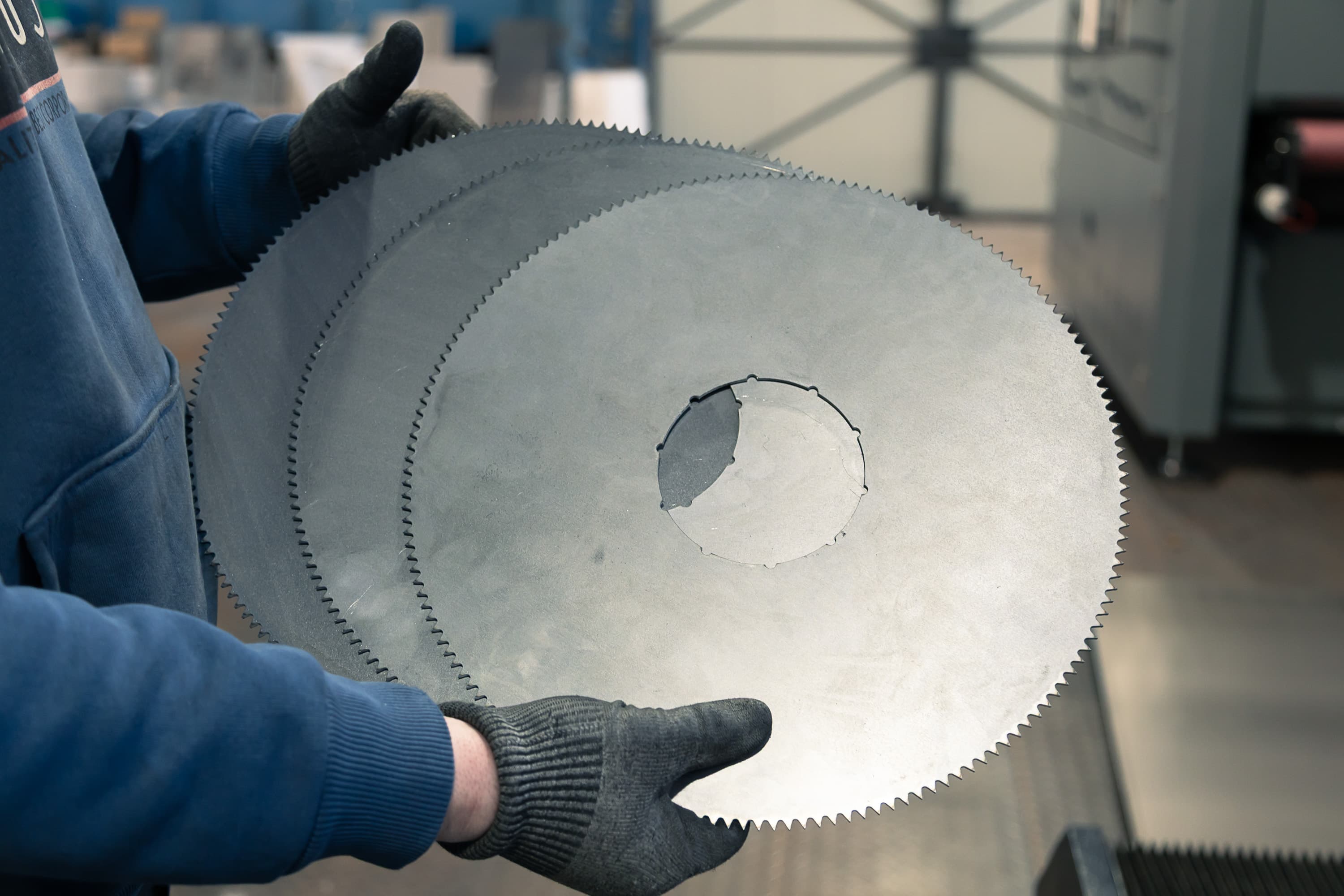
The smallest hole should have a diameter at least equal to the material thickness. For a 3 mm sheet, the minimum hole is 3 mm. Smaller holes cannot be cut cleanly by the laser.
When to attach a drawing to the DXF
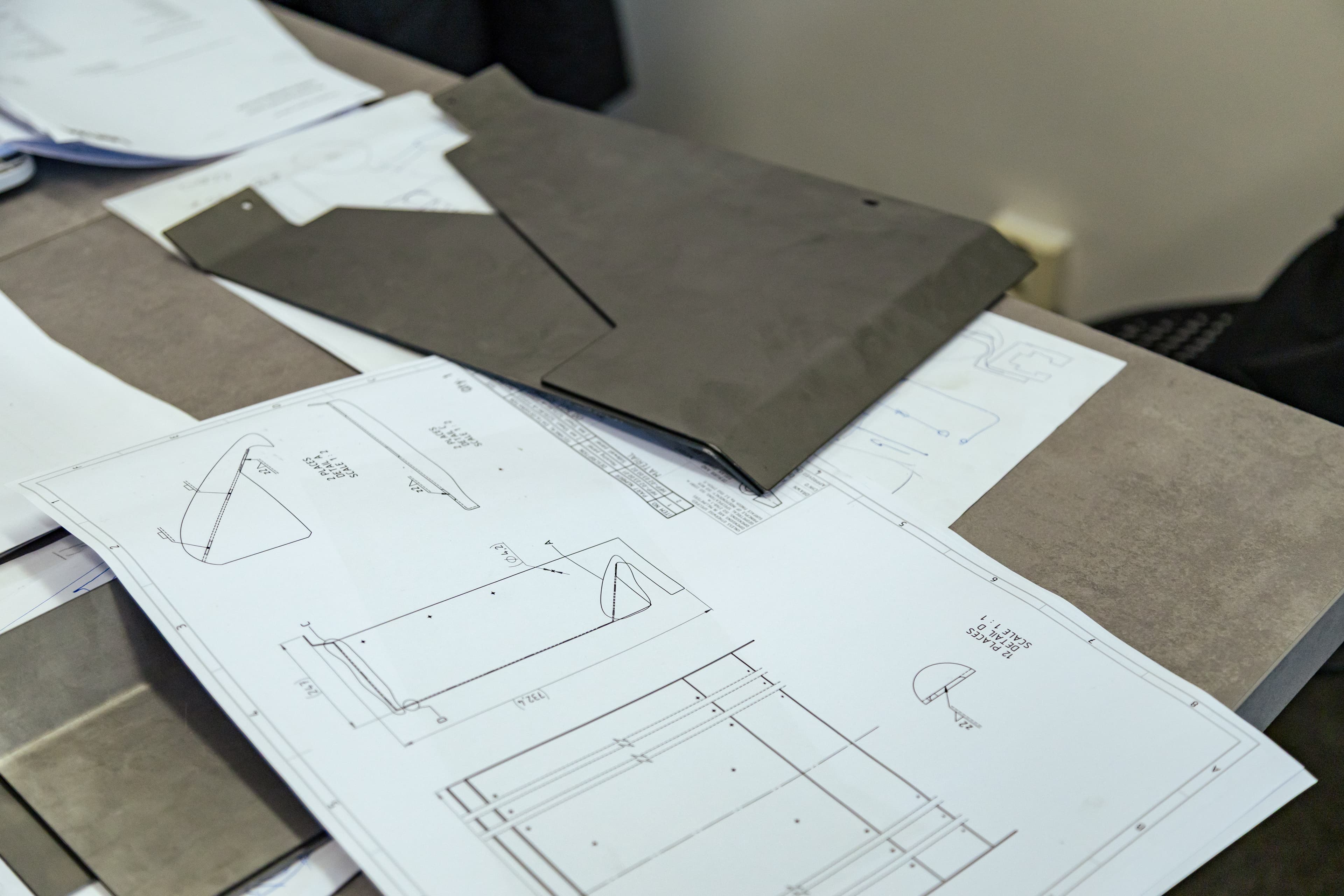
A DXF on its own carries only the cut geometry — it says nothing about threads, countersinks, bend direction, or which dimension is critical. For a simple flat part a clean DXF is enough. But as soon as the part has machined features, bends, or precise fits, attach a simple 2D drawing (PDF) or a 3D model as well. The extra documentation removes guesswork and speeds up quoting.
- The part is bent — direction and angle must be specified
- Holes need to be tapped or countersunk
- Some dimensions are critical and need a tolerance
- Press-fit hardware (nuts, standoffs) is inserted
Dimensions and tolerances
Draw the part at 1:1 scale and dimension it in millimetres. Do not slap a tight tolerance on every dimension — it raises the price for no reason. Call out only the dimensions that are genuinely critical for assembly or fit, and give each one a concrete tolerance. Dimension critical features from a single reference edge, not in a chain, so the tolerances do not stack up. A typical achievable laser-cutting tolerance is around ±0.1 mm on thinner sheets.
Threads, countersinks and holes
A bare hole in a DXF does not say whether it should be a through hole, tapped, or countersunk. Describe these features in the accompanying drawing: for a thread give the type and size (e.g. M5), for a countersink give the angle and major diameter (e.g. 90° for a flat-head screw). For press-fit hardware specify the exact type and the side it is inserted from.
- Keep the smallest hole at least equal to the material thickness
- For a thread, state the size and standard (e.g. M5, M6)
- For a countersink, state the angle and head diameter
- Leave at least 2× thickness between holes and from edges
Bends and thickness
Mark a bend in a 2D file with a line at the centre of the bend on a separate layer (ideally a dashed line). State the bend direction (up/down) and the angle. The inside radius is usually set by the material thickness — do not specify your own unrealistic radii. Keep holes and cutouts a safe distance from the bend line, otherwise they deform during bending. For more complex bent parts, supplying a 3D model directly is the safest option.
Units, scale and format
Always export the file at 1:1 scale and in millimetres — no scaling or conversions. For 2D geometry use vector formats: DXF (version R12 or R14) or DWG. For parts with bends or machining, a 3D model in STEP format is the most reliable. After exporting, always verify the overall part size against the intended values — a tiny unit error can turn hundreds of millimetres into centimetres.
Conclusion
A properly prepared DXF file saves time and money — it reduces the risk of errors, speeds up quoting, and ensures you get exactly what you designed. If in doubt, contact us before placing your order.